jeffrose;
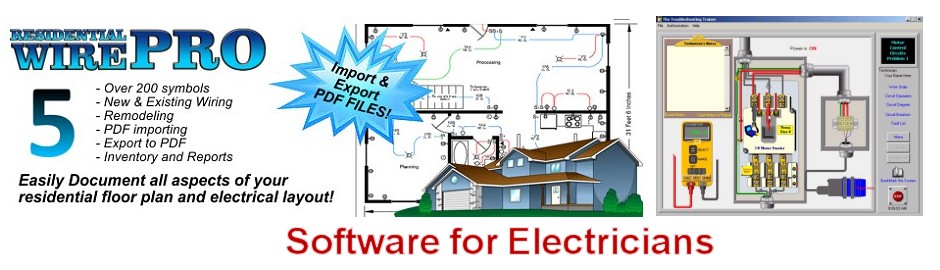
While there are a few "Non-CAD" type applications which may be used, I would suggest going the "CAD Application" route.
Reasons being are:
<OL TYPE=A>
[*] Much More "Universal" than the Non-CAD apps,
[*] Can use the CAD application for more tasks in the future,
[*] CAD drawings may be incorporated easier to other drawings,
[*] Use of drawings made by Architects,
[*] Learning to use CAD apps is very valuable,
[*] Hundreds of "Blocks" are available which are public domain.
</OL>
"Blocks" are stand-alone drawings. Symbols like those used on typical "E" sheets are saved as Blocks, however Blocks are not limited to Symbols only.
Other benefits for using a CAD application are Layered Drawings, linking other drawings to one drawing without affecting the linked drawings, and linking "Non-CAD" items - such as Spreadsheets and pictures, to a drawing (via OLE).
There are some less expensive CAD versions, such as AutoCAD's "LT" series, and AutoSketch. These are made by Autodesk, Inc.
I must admit, there is at least one "Non-CAD" application that has been used well by some people. This is Visio, by MS (Microsoft). I used it a little, but being "Jaded" by CAD applications, did not become an experienced user of Visio.
Oh, almost forgot applications which are "Semi-CAD" type: Circuit Simulation apps.
These allow the user to draw a Schematic, plunk down some Circuit Elements (passive and active items), then run the circuit for a "Virtural Reality Smoke Test".
These apps typically perform the Digital or Analog simmulation via SPICE / PSPICE.
I use a few of these applications - all in the "Low End" $$$ areas!
Circuit Maker ver. 5 is my Primary Electronic Circuit designing + testing application.
Xover 3.0 for designing Audio System Crossover filter networks.
Bassbox pro for designing Speaker Enclosures.
BTW, my current CAD application is AutoCAD R14 for Windows.
Let me know if you have more Q's.
Scott35